The GilderScript is a super user-friendly bit of software to use with our BrightSign players.
Here’s the Breakdown
GilderScript is a ready-made software for BrightSign players to be used instead of BrightSign’s software, which has a very high learning curve. Our GilderScript allows you all the awesome benefits of using a BrightSign player without the hassle. There is no need to manually configure players for 95% of our clients who use it. All you do is drag-and-drop videos into playlist folders and GilderScript does the rest!

If you’re reprogramming your show using PC-MACs, all you need to do is place markers in the editing window where you want your videos to start and when you build your auto download for install. PC-MACs immediately builds folders for all of your video players so all you have to do is drag folders to SD cards and shove ’em into the BrightSign player! Pretty easy, huh?
Uses
GilderScript has been used by major theme park companies to save them the hours it would take programmers to manually configure BrightSign players for applications. It has been used in installations with a single BrightSign player and also in installs with dozens of players synchronized together- all without any manual configuration!
The Script is hugely popular with haunters, museums along with theme parks and more. Taking away the need to manually configure the player allows for more creative time and gives the user much more time to focus on the whole project instead of incessantly focusing on one element for hours and hours.
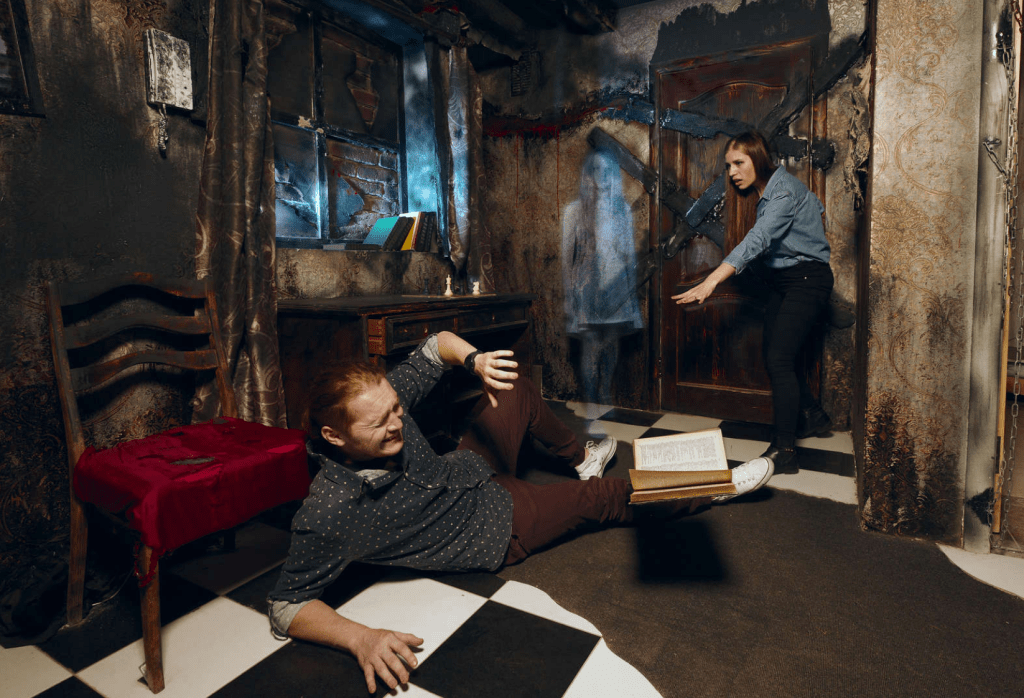
Some of the more fun projects done with the GilderScript/BrightSign combo include Escape Rooms and Escape Room boxes. You can essentially place markers on a timeline allowing for different shows and videos to play as a result of a certain combination of queues, unlocking one clue/drawer/room at a time.
Another particularly fun use is projection mapping, which can make it look like critters are crawling all over a statue or wall. This can be particularly fun with statues that cannot be touched- imagine the Statue of David with a bunch of cockroaches crawling all over it, or like with the statue below and cover it in ink!
The combo has also been used for 2D animation, projecting two videos on the same location. For instance, it was used to show the life-cycle of snowfall at a local museum. The snow would settle onto a mountaintop and valley surrounding it, and it would melt, evaporate, etc. The ease of programming allows the creator to not only set up quickly but also focus on the creative work without distraction or frustration.
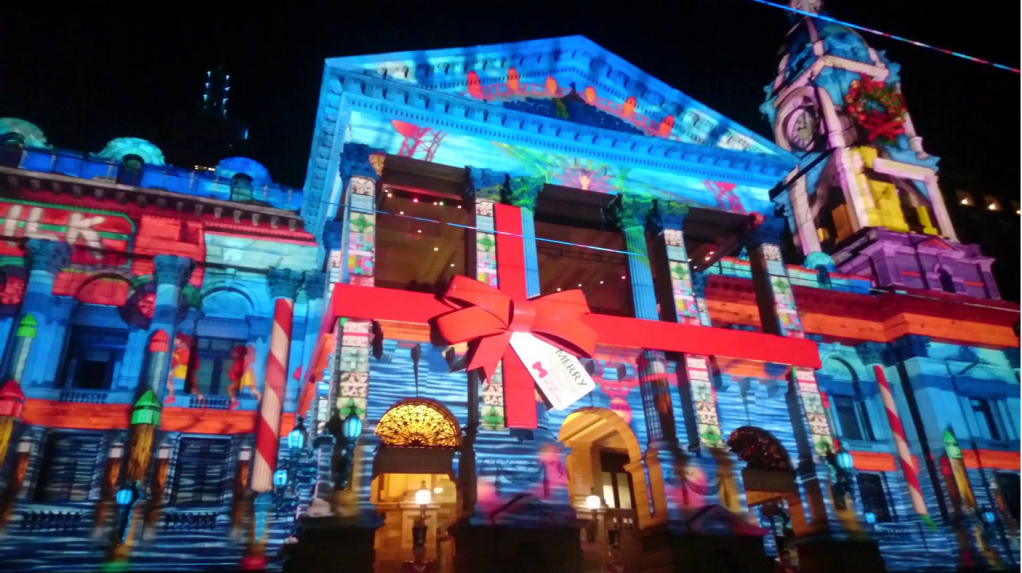
That’s it for this week! Short but sweet, I know. Accept another Projection Mapping video in your heart to supplement your desire for content!
BUT! Check out our other articles from previous weeks below! More reading ahead!
- Halloween Decor with Gilderfluke & Co!
- Haunt Marketing 2020 Q & A with Laura Kilpatrick
- Haunt in the World of COVID [REPOST]
- Halloween Haunt in 2020
- IAAPA Asia Supplements
 GilderBlog